The challenge is to create a script to randomly generate an RGB colour every hour and programmatically name it with an adjective + noun.
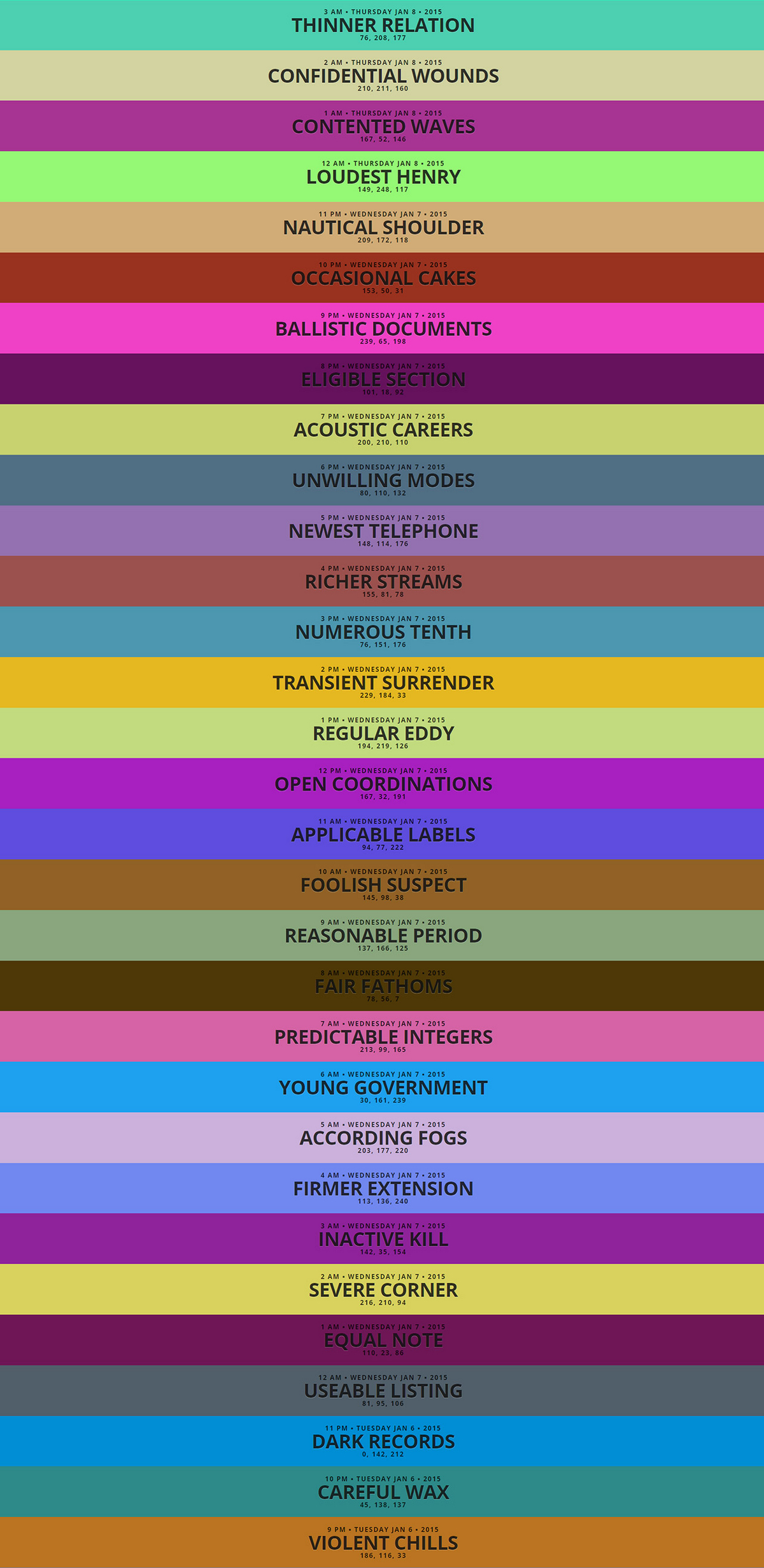
The Code Colour Challenge was created as a way to compare the syntax between languages with a commonly themed application.
This version is written in Node.js and the results are available to view at on the demonstration page or to view the backend code and methodoloy visit the GitHub Repository.
The aim of the colour challenge is to create a script to randomly generate an RGB colour every hour and programmatically name it with an adjective + noun.
The challenge was created as a way to compare the syntax between languages with a commonly themed application.
This version is written in Node.js and available as a package to download from NPM.
The application follows MVC principles:
./lib/util.js. The data is stored within a JSON file../views/log.mst written in HTML5 using mustache templating./lib/add.js, ./lib/server.js and ./lib/clear.jsEach operation is accessed through ./lib/cli.js which acts as the command line interface. They can also be accessed through ./bin/cli which NPM adds to the users path as colour-challenge when installed.
To log the data hourly colour-challenge add should be defined as a cron job.
The application requires Node.js and npm to be installed, instructions can be found at nodejs.org.
With Node installed use the following to install the application globally.
npm install -g colour-challenge
Alternatively install direct from the repository.
npm install -g https://github.com/StudioLE/node-colour-challenge.git
The app uses node-config so it's highly configurable. I recommend copying the ./config/default.json file to ./config/local.json and editing that so that your changes are not overwritten by future updates.
cd /usr/lib/node_modules/colour-challenge
cp config/default.json config/local.json
nano config/local.json
Add a single colour to the log
colour-challenge add
Add multiple colours to the log
colour-challenge add 10
Clear all previous logs
colour-challenge clear
Spin up a server to view the logs
colour-challenge server
To run the script on the hour every hour you will want to configure a cron job similar to the following:
0 * * * * colour-challenge add
Now you've seen how it's done why don't you take a shot in the language of your own choice? Or perhaps there's a framework you've been dying to try out? Give it a go and send us a link to your repository. The challenge is great for participants of all levels of experience.